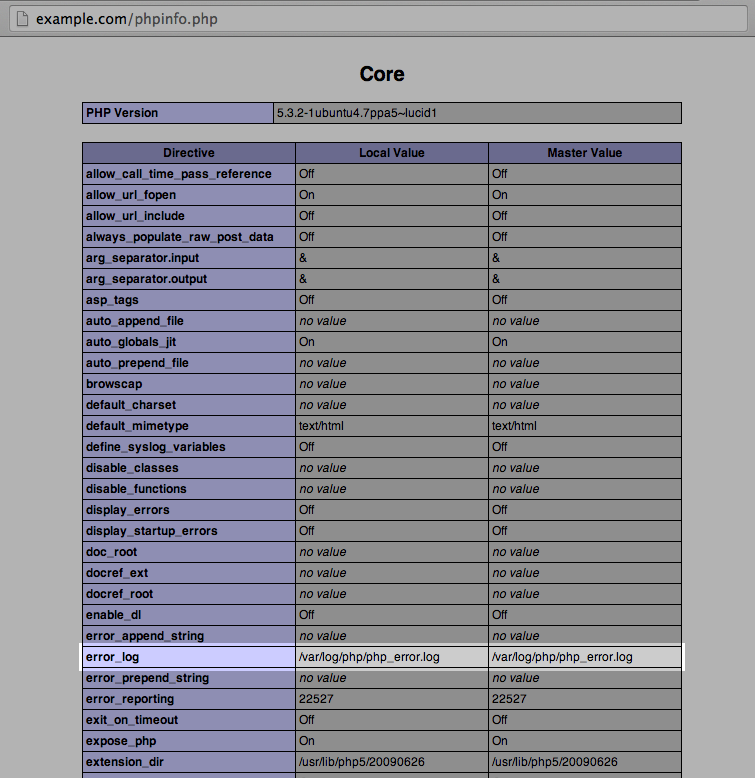
WooCommerce Fatal Errors Log
WooCommerce 3.2 introduced a log that displays PHP fatal errors. This log can contain pertinent information that would be found in the PHP error logs. It is a good place to start before moving to find the PHP logs on the server.
To access the WooCommerce Fatal Errors log:
- Go to WooCommerce > Status > Logs
- Choose a log from the drop-down labelled
fatal-errors.log - Click View
Example log:
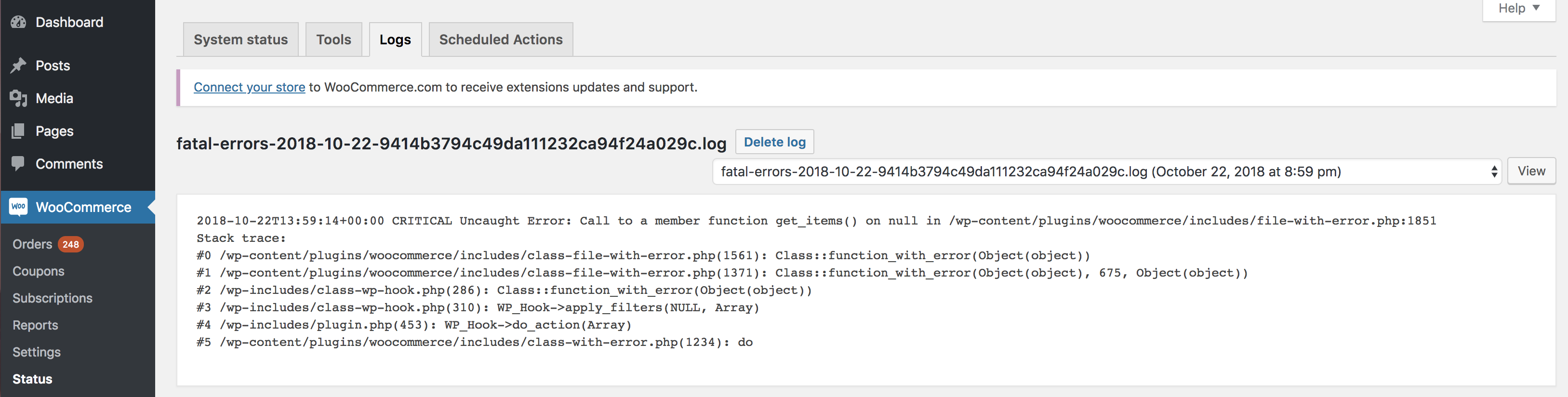
The types of errors caught in this log are PHP fatal errors, runtime errors, and errors purposely triggered in the code by a PHP function. Runtime errors can occur when there is a typo in the code, for example.
Fatal errors occur when the action in the code cannot be completed. Examples of a fatal error include:
- Calling an undefined function
- Using an undefined variable
- Calling a function on a null or otherwise unusable variable
This does not include web server errors, such as timeouts.
The log will include the:
- Timestamp when the error occurred
- Error that occurred
- File and line in the code for the origination of the error
- Stack trace – a snapshot of the history of the function calls and files leading up to the error